Built like instrumentation, not like an app
A terminal emulator written in pure C99 and rendered with raylib, shipped as one self-contained binary — no Electron, no runtime, no config file to write first. Keystroke to glyph in 0.018 ms, measured with a DSR round-trip over 1000 samples and reproducible from the repo.
- Tab bar. One status badge per tab — a spinner while the agent works, a green dot when it finished clean, red when it failed, an amber ! when it is waiting on you.
- Recursive split tree. Three panes in one tab. Drag any divider, keep subdividing; every leaf owns its own PTY, scrollback, selection and palette.
- Prompt marks. OSC 133 shell integration draws an exit-status rule in the gutter beside every prompt — green when the command exited clean, red when it did not.
- rbterm @ ls. The remote-control engine reports each pane's agent state as data — running, failed, done, attention — and match-count is the wait-loop probe.
Exploded view
The complete path a keystroke takes. Eight parts, one loop, no intermediaries.
- key event
- input_poll() · input.c
- pty_write() · pty_dispatch.c
- shell
- pty_read() · pty_unix.c
- screen_feed() · screen.c
- renderer_draw() · render.c
- glyphs
That is the entire loop. No compositor in the middle, no JavaScript bridge, no IPC hop to a helper process. Each tab owns a recursive split tree — leaves carry a Pane (PTY, screen buffer, selection, title and cwd), internal nodes carry a split mode and a ratio — and the main loop drains every leaf's PTY each frame. The 0.018 ms is what is left when there is nothing else to remove. The full API is on the scripting sheet.
Specifications
Bill of materials. Every figure below is measured on shipping builds, not estimated.
| Part | Spec | Notes |
|---|---|---|
| Latency | 0.018 ms | DSR CSI 6n round-trip, median of 1000 samples |
| Tail | 0.045 ms | p99, same run. Reproduce with tools/bench-here.sh |
| Throughput | 185 MB/s | Real-application ingest — fastest of the terminals tested |
| Idle CPU | ~0.1 % | macOS, focused or backgrounded, with multiple SSH panes open |
| Binary | ≈19 MB | One self-contained file. No runtime, no framework, no installer payload |
| Scrollback | 1,000,000 | Lines per pane, run-length encoded, with intelligent reflow on resize. Cmd+A selects all of it |
| Tabs | 16 | Concurrent shells; each tab keeps its own PTY, scrollback and selection |
| Updates | LIVE | Restart and update brings back the same shells, splits and selected tab — running programs and typed input included |
| Themes | 252 | Baked into the binary. Per-pane palette via OSC 4 / 10 / 11 |
| Shortcuts | 49 | Remappable actions — kitty-style keybindings.conf with tmux-style leader sequences, reloaded on save |
| Fonts | 37 | Bundled monospace faces. Font face and size are per tab |
| Retina | 2× | macOS draws at the display’s full resolution — crisp, solid text, not a stretched 1× frame |
| Effects | 19 | Cinema pane shaders — CRT scanlines, phosphor, VHS and others |
| Self-test | ~240 | VT conformance checks, driven headless through remote control |
| Colour | TRUECOLOR | 16 / 256 / 24-bit SGR, with SGR 58 coloured underlines |
| Platforms | 3 | macOS · Linux · Windows 10 1809+ (ConPTY) — one codebase |
| Language | C99 | raylib for rendering, libssh for SSH, HarfBuzz for shaping |
| Licence | MIT | A binRick project |
Subassemblies
Four modules that do work the terminal underneath you usually leaves to a wrapper script.
A terminal that reports on the agents running inside it
Every tab carries a status badge derived from what the pane is actually doing: a spinner while a command runs, a green dot when it finished clean, a red dot when it failed, an amber ! when the agent is waiting on you. Claude Code rings the bell and OpenAI Codex updates its window title; rbterm turns either into a badge you can read across fifteen tabs without focusing one.
- rbterm @ — kitty-style remote control: ls, send-text, send-key, get-text, screenshot, split, focus-tab, set-colors, record-start / record-stop.
- Boolean match engine — state:done or state:failed, plus id, title, cwd, pid and user vars.
- display-image — an agent pops the chart or screenshot it just made as a click-to-dismiss overlay in its own pane. $RBTERM_PANE_ID survives a restart.
- Zero config with Claude Code — preferredNotifChannel: terminal_bell, with hooks preset for explicit statuses. Wiring it up →
- Zero config with OpenAI Codex — badges straight from Codex’s window title; Settings → Codex makes it render inline and send notifications with text. Codex in rbterm →
- Grab whole commands — double-click any word of a command Claude Code or Codex suggests and rbterm selects all of it, even when the agent wrapped it over two lines; it pastes back as one line. Watch it →
# show what an agent just produced, in its own pane
rbterm @ display-image --path shot.png

# one wait-loop babysits N agents
rbterm @ match-count -m '(state:done or state:failed)'

# unblock a specific pane by id
rbterm @ send-text -m id:3 'git rebase --continue\n'

# every pane's status, as data
rbterm @ ls | jq -r '.data.windows[].tabs[].panes[].status'

libssh, not a wrapper
SSH is a first-class backend inside the terminal, so the UI never blocks on a handshake and every pane keeps its own session.
- Async connect — startup tabs, splits and saved layouts dial on worker threads, in parallel
- Key, agent, password and keyboard-interactive auth · trust-on-first-use host keys · ProxyJump
- Local -L, remote -R and dynamic -D SOCKS5 forwards, up to 16 per host
- Per-host fonts, themes, cursor colour, HUD and split layouts, stored as comments in ~/.ssh/config
- SFTP upload and download on every SSH tab, recursive, over the same session
- Key manager — generate Ed25519 or RSA, install to authorized_keys, all from the GUI
Splits that record themselves
A recursive split tree per tab, and a recorder that writes finished files without asking you to install anything.
- Split, subdivide, cycle and maximize any pane · broadcast input to every pane at once
- Search across a million lines of scrollback with Cmd+F
- Record straight to gif, webp, mp4, webm, apng or asciinema cast
- Native gif, webp and apng encoders on every platform — no ffmpeg on the path required
- Recording a split captures every leaf — one file per pane
- Quake hotkey (Cmd+CapsLock) · multi-window · per-tab fonts · raw session logging
Pixels, where pixels belong
Both inline image protocols, with real pixel geometry reported to the child process so apps stop falling back to ASCII.
- Sixel and kitty graphics protocols, decoded in-process
- cat photo.jpg / cat song.mp3 shows the image or a click-to-play player in the pane — even on a server you ssh into (setup)
- Colour emoji via Core Text · HarfBuzz ligature shaping
- OSC 8 hyperlinks · OSC 133 prompt marks with an exit-status gutter
- Hand-rasterized box-drawing glyphs — no gaps in tmux, htop or btop borders
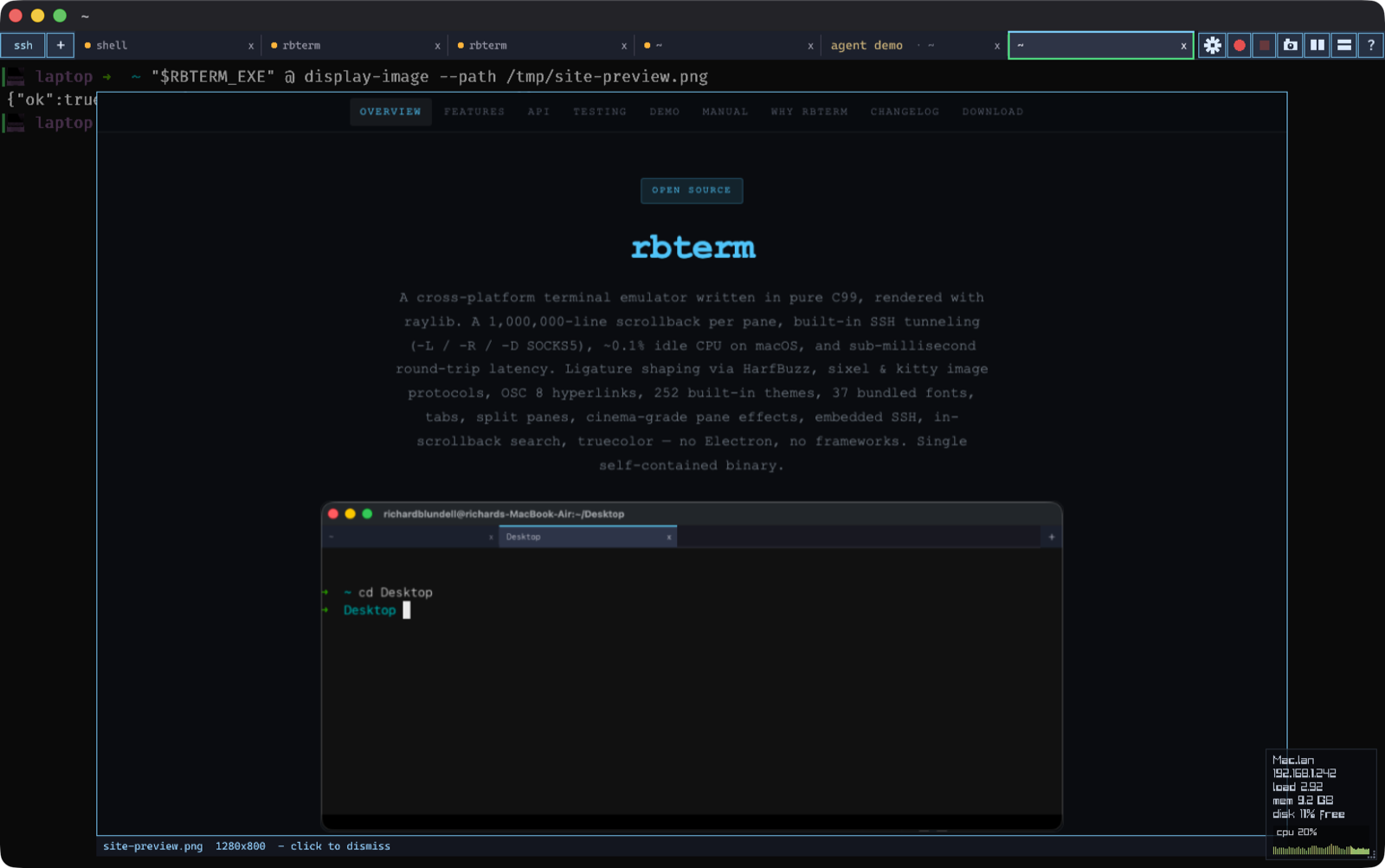
Every other module — the VT parser, intelligent reflow, the settings panel, desktop notifications, the logs browser — is drawn out part by part on the features sheet. Full feature catalogue
Tolerances
Echo round-trip in milliseconds, median of 1000 samples, same machine, August 2026. Logarithmic scale — the field spans three decades. Lower is better.
Method. tools/echo_bench.c writes an ANSI DSR query (CSI 6n), waits for the terminal's CSI r;c R reply and records the round-trip — parser plus PTY I/O, nothing else. 1000 samples per terminal, same machine, same session. Reproduce it in any terminal with ./tools/bench-here.sh from the repo. Tail figures: rbterm p99 0.045 ms. On bulk output the same build ingests a real full-screen animation stream at 185 MB/s, ahead of every terminal tested. The full comparison is on the comparison sheet.
Inspection
SonarCloud static analysis of the shipping code: quality gate passed, with an A for security, reliability, maintainability and security review.
Taint-tracked, security rating A.
Reliability rating A.
0 left open.
Maintainability rating A.
Method. SonarCloud C/C++ analysis with taint tracking, run on a fresh clone of main. Updates are ed25519-signed and the macOS app is notarized. The details, including the trade-offs, are on the security sheet.
Finishes
Nineteen hand-tuned film- and hardware-inspired looks — CRT scanlines, phosphor decay, VHS tracking, halftone, bloom and glitch — applied live per pane and captured straight from the effect shader. Six of them below.
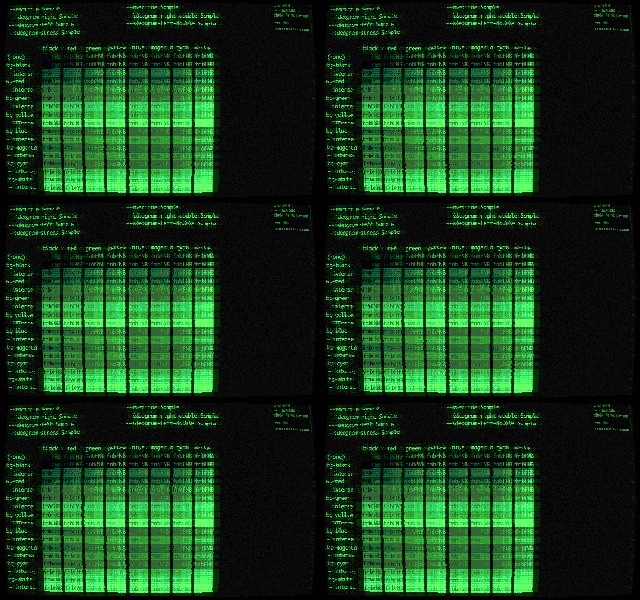
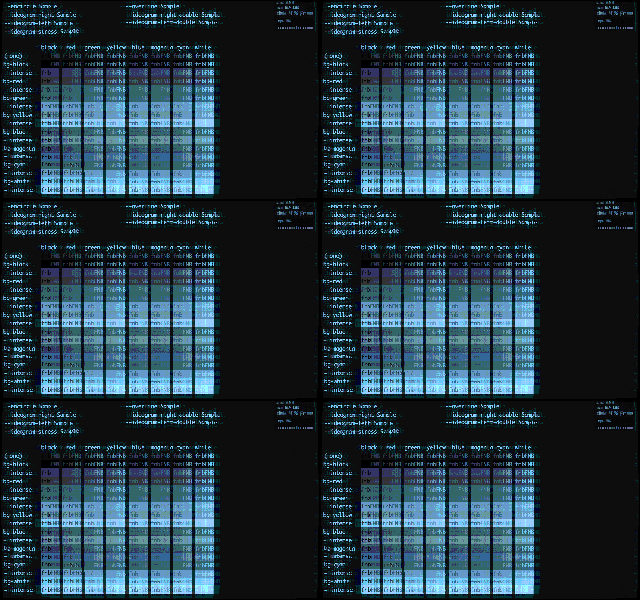
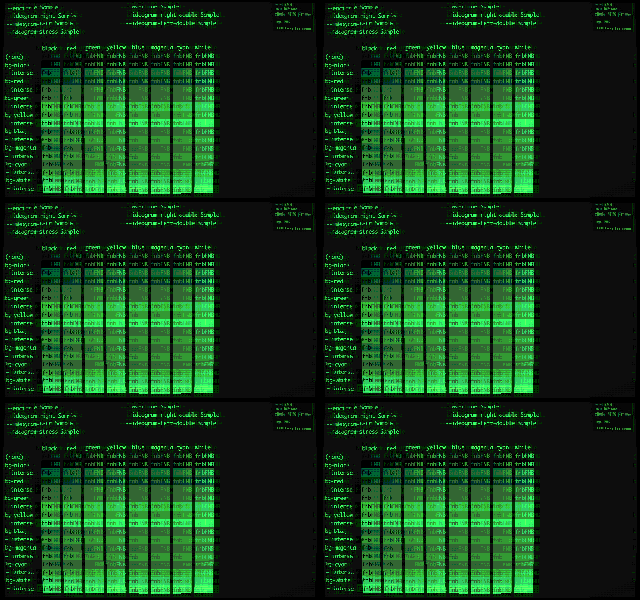
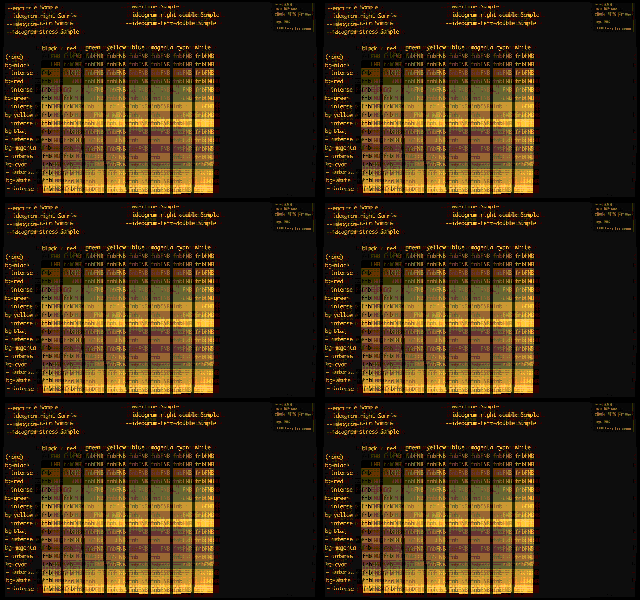
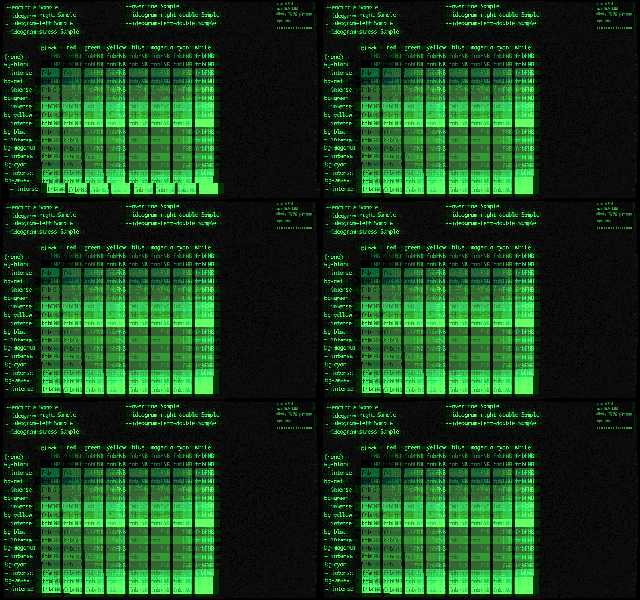
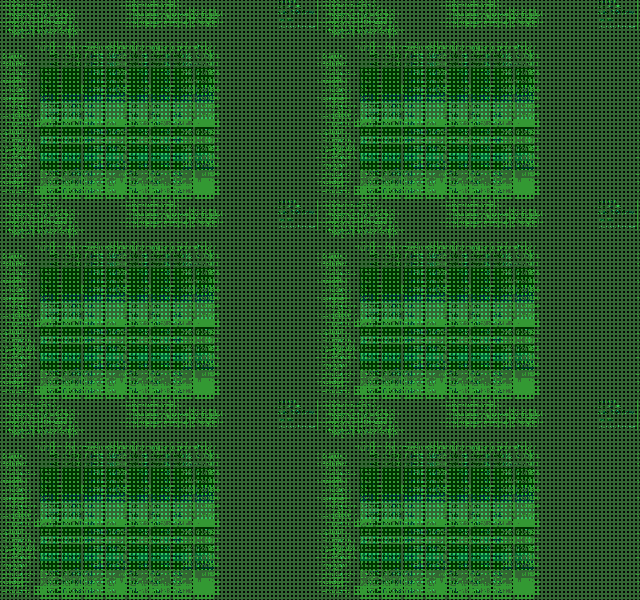
Pick one per tab in Settings → Effects, or pin one to an SSH host so you always know which machine you are on. All 19 effects
Controls
The ten chords worth learning first. Everything else is in the manual.
- Cmd+TNew tab — local shell
- Cmd+Shift+TNew tab over SSH, with saved hosts from
~/.ssh/config - Cmd+D / Cmd+Shift+DSplit the pane vertically / horizontally — recursive
- Cmd+KCycle focus through the split panes
- Cmd+ZMaximize the active pane, and back again
- Cmd+FSearch the scrollback
- Cmd+Shift+IBroadcast every keystroke to all panes in the tab
- Cmd+Shift+SScreenshot the active pane to PNG
- Cmd+,Settings — font, theme, cursor, logging, HUD, launch tabs
- Cmd+CapsLockSummon or dismiss the window system-wide (macOS)
Cmd on macOS; Ctrl on Linux and Windows. Read the manual
Order
Three artifacts, one revision. Checksums and the Gatekeeper verification walkthrough are on the download sheet.
macOS Signed
Apple silicon (arm64). DMG, signed and notarized, hardened runtime — it runs on any arm64 Mac without installing anything else first.
Windows x86_64
ZIP. Needs Windows 10 1809 or newer; ships its own current console host (Microsoft’s OpenConsole), so Windows 10 and 11 behave the same. Recording encoders are built in, so gif, webp and apng need nothing on PATH.
Linux x86_64
ZIP. glibc and X11. The same C99 source, the same keybindings, the same 252 themes and 37 fonts baked into the binary.
One binary. Every platform. Nothing to install around it.
Copy it to a bare server and run it: the themes, the fonts, the SSH client, the image decoders and the recorder are all inside the file. It is MIT licensed, and the benchmark that produced every number on this sheet ships in the repo.